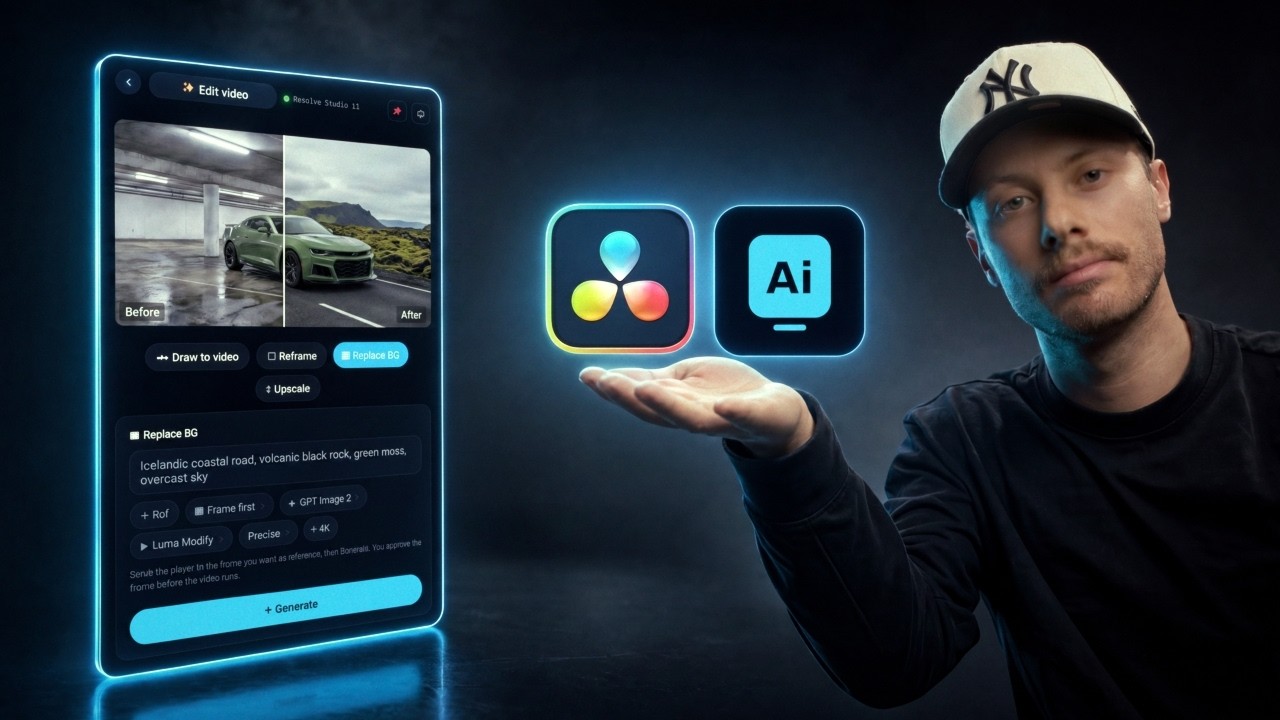
AI video, images, 3D and sound.
Without leaving Resolve.
Eight apps in one panel inside DaVinci Resolve. Every top model in the cloud, or free on your own GPU. Every result lands on your timeline.
Inside DaVinci Resolve
Windows
macOS
Linux · app
Watch the demo with sound
Muted · click for sound
Built for DaVinci Resolve
Cloud models by fal.ai
Free local via ComfyUI
Hosted GPUs via Comfy Cloud
Editors on AI Video Studio.
“Being able to try again and again, experiment as much as I want, and actually get great results without credits, monthly or yearly subscriptions, contracts or any other limits is priceless. ComfyUI itself is incredibly powerful, but you need to know it… This plugin makes the whole process so much easier. It is genuinely one of the best digital purchases I’ve ever made, if not the best.”
Michael C. Verified buyer“I feel I have found my new secret weapon. Being able to generate images and video within DaVinci Resolve, whether via the cloud or my own local GPU, is huge. I can recommend this highly to anyone working regularly in Resolve. It is worth many times what is charged.”
Ryan G. Verified buyer“Purchased this last week and so far it’s amazing! It took me a little bit of setup, but Kevin was extremely quick to respond and helped me get it figured out. Now it seamlessly works within the DaVinci projects exactly as expected.”
“Worked just like advertised, which is awesome. I misunderstood where to find my password to activate and got a response within minutes. Quality product, good customer service, don’t hesitate to jump on this.”
“Brilliant! Works seamlessly on the Mac using fal.ai. The beauty of this is the workflow. And the beauty of the plugin using the fal API means you only pay for what you use, which was my massive bugbear when I didn’t need to use AI but was paying for it anyway. This will really speed up the workflow.”
Roger R. Verified buyer“I’m new to AI and learning a lot very quickly. I use DaVinci Resolve extensively. It works well on my Windows 11 machine and lets me produce mock-ups and test my ideas for quick presentations to my colleagues. A great concept.”
Pieterjan H.Filmmaker“AI Video Studio saves us a ton of time by bringing a huge set of AI tools right into DaVinci. Big plus: no subscription, you only pay for what you actually generate. Highly recommended.”
The old way has six steps.
This has one.
- Nothing to convert, re-import or relink
- Every top model in one picker, priced before you press Generate
- Pay per generation, or run it free on your own GPU
Eight apps. One panel.
This is the home screen inside Resolve, as it is. Click an app to see what it does.


DIGITALARRI Alexa 35Filmic, organic skin
LENS · SPHERICALARRI Master Prime35mm T1.3Shoot on an ARRI. Sort of.
Pick a camera body, lens, focal length, aperture, light and move. It is written into the prompt in the wording your model responds to, so the look costs nothing extra.
Chain it like a Fusion comp
Wire prompts, images, clips, audio and models on one canvas. One model’s result feeds the next, the graph saves with your Resolve project, and the assistant can build it for you.
How far can it go?
A real frame from a real edit: green screen to a finished AI set, inside Resolve. Drag the handle.
Your GPU is the render farm.
Pick This computer in Settings ▸ Engine. The plugin finds ComfyUI, starts it, keeps it healthy and shows you only the models your machine can run.
Finds ComfyUI on any port, starts it in the background and repairs itself after ComfyUI updates. Portable installs and your own start script work too. No custom nodes, no terminal, no graphs to build.
- 100% free renders. Unlimited, no credits, no cloud bill.
- Private by design. Footage, references and prompts never leave your machine.
- MiniMax H3, Wan 2.2, LTX 2.3 & 2.5, FLUX.2, Qwen-Image, Z-Image, SDXL, Hunyuan3D 2.0, plus ACE-Step, MiniMax Music 3 and Stable Audio 3 for sound. One-click downloads, with the memory each one needs shown up front.
- Settings on every model. Seed, steps, sampler, scheduler and guidance, or let Suggest settings fill them in.
- Windows (NVIDIA) and Apple Silicon. The right build of every model, per platform. Bring your own ComfyUI workflow if you have one.
- No big GPU? Comfy Cloud runs the same open models on hosted GPUs, billed per render. Switch engines any time.
Every top model. One picker.
Switch engine in Settings and the lists change to match. You only ever see models the engine you chose can run, priced before you press Generate.
Two ways in.
Watch: setup, engines and what a clip really costs3 quick slides · opens in a new tabAI Video Studio
Pay once. Every app, every model, every update, for life.
€49 one-time
✓ 2 computers · no subscription, ever
- Plugin for Resolve Studio + app for free Resolve · Windows, Mac & Linux
- Every model and every update, for life
- Cloud pay-per-generation, free on your GPU, or Comfy Cloud
- Assistant included, with a free brain
- Upgrade plans later and keep your key
Secure checkout via Gumroad · charged in EUR

The VFX Room
A 150+ member VFX community: courses, feedback, and the tool included while you are a member.
from$9 /mo
Cancel anytime · no lock-in
- AI Video Studio included while subscribed
- Step-by-step VFX & AI courses
- Active community: share work, get feedback

“I built this because I was tired of leaving Resolve twenty times a day just to generate what I needed. Now it is all inside the software, and every generated clip lands directly on my timeline. It saves me time on every project, and instead of paying for expensive subscriptions or wasting unused credits, I only pay for what I actually generate. I hope it saves you as much time as it saves me.”
Kevin Vandermarliere · VFX artist & creator of AI Video Studio
Before you ask.
Do I need Resolve Studio?
No. Both editions are in the download and use the same license key. Resolve Studio gets the plugin: a panel inside Resolve under Workspace ▸ Workflow Integrations that reads the clip under your playhead directly. Free Resolve gets the standalone app: its own window beside Resolve with the same apps and models, linked to your timeline through a built-in bridge. Press Connect to DaVinci Resolve once and every result can go straight to your timeline or Media Pool.
Own Studio? Install both. They share settings, and running both counts as one computer on your license.
What’s new in 3.1.7?
Improvements in 3.1.7
- Seedance 2.5 in 1080p HD, and MiniMax H3 at 4K in the cloud
- MiniMax H3 Max: real-time generations
- LTX 2.5 local rendering, free on your own GPU
- Better Mac compatibility for local rendering (ComfyUI)
- AI assistant improvements and batch rendering
- Claude as an optional assistant brain, with your own API key
- Remote GPU rendering: ComfyUI on a rented machine, RunPod integration
- AI sound effects, plus a sound clean-up lane: ElevenLabs Audio Isolation, DeepFilterNet 3 and Demucs
- ComfyUI sampling controls on every local model, and automatic settings from the assistant
- Reference image upload fix for local renders
- Better navigation, and a library connected to your DaVinci Resolve bins and folders
- Overall improvements, a better user experience, and more requested models
New since V3
- Complete UI redesign
- Node-based workflow for video and images
- Camera and lighting settings
- Seedance 2.0 4K model
- Drag and drop into the Edit timeline and Fusion
Updates are free for life. The app tells you when one is ready: Settings ▸ Check for updates.
Windows, Mac or Linux?
All three. Windows and Mac get the plugin and the app. Linux gets the standalone app, because Blackmagic does not allow panels there. Apple Silicon and Intel Macs run the same universal build.
One exception: DaVinci Resolve from the Mac App Store cannot run scripts at all, so nothing can connect to it. Install the free Resolve from blackmagicdesign.com instead. Your projects are untouched.
What does a generation cost?
Cloud renders run on your own fal.ai key. You top up your fal balance, each render draws from it, and we take no cut. The estimate sits on the card before you press Generate, quoted from your actual clip, with the 4K finish as its own line. You see the exact charge in your fal dashboard every time.
- Images — usually a few cents each.
- Video — priced per second of output, so a short clip is typically tens of cents and a long 1080p clip on a top model costs more.
- Your own GPU — free and unlimited. Comfy Cloud is billed in credits per render.
How does local rendering work, and what does my GPU need?
Pick This computer in Settings ▸ Engine. The plugin finds ComfyUI on any port, starts it if it is not running, and shows only the models your machine can run. Downloads live in Settings ▸ Local models, one click each, with the memory each model needs shown up front. You never build a node graph.
- 8 GB VRAM — SDXL, Z-Image, Wan 2.2 5B video at 720p
- 12 GB+ — FLUX.1, LTX 2.3 at 720p
- 16 GB+ — FLUX.2 Klein, Qwen-Image at full speed, LTX at 1080p
- 24 GB (3090 / 4090 / 5090) — everything, including LTX native 1080p with audio and Wan 14B video-to-video
32 GB of system RAM is comfortable, 64 GB for the largest models. Apple Silicon is supported: the Mac build of each model downloads automatically. No big GPU? Comfy Cloud runs the same open models on hosted hardware.
Which AI models are included?
Cloud via fal.ai: Seedance 2.5 and 2.0, Kling 3.0 Pro and 4K, Kling O1, MiniMax H3 and H3 Max, LTX 2.3 and 2.5, Gemini Omni Flash, Luma Ray, GPT Image 2, Nano Banana 2 and Pro, Seedream 5, Tripo, Meshy, ElevenLabs, Stable Audio 3, MiniMax Music, Lyria 3 and more. Free on your GPU: MiniMax H3, Wan 2.2, LTX 2.3 and 2.5, FLUX.2 and FLUX.1, Qwen-Image, Z-Image, SDXL and Hunyuan3D 2.0, plus ACE-Step 1.5, MiniMax Music 3 and Stable Audio 3 for sound effects and music. Comfy Cloud adds Veo 3.1, Kling v3 Omni, Ideogram 4 and more. See the roster. New models are added as they release, and Lifetime includes every update.
What is the assistant?
A chat drawer inside every screen. Ask it to set up a 3D → AI render, pick the cheapest model for a 4K vertical, build a node graph, or explain why the cloud refused a shot and route around it. It shows a plan card with the real engine, model and cost before anything runs. The NVIDIA brain is free and included, no card needed. You can also switch it to Claude, any OpenAI-compatible endpoint, or LM Studio and Ollama on your own machine.
How many computers can I use it on?
Solo activates on 2 computers, Studio on 5, Facility on 15. Upgrading later keeps your key: the seat count simply grows. The plugin and the app on the same machine count once.
How do I get it after buying?
Instantly. Your license key, the downloads and an install video land in your email the moment payment clears. Updates arrive inside the app: Settings ▸ Check for updates. Not happy within 14 days? Money back.
Stop leaving Resolve.
One panel, eight apps, every top model. Pay once, generate as much as you want.
Get AI Video StudioNot ready yet?
Leave your email and get a heads-up when new models and features drop.
✓ You’re on the list. Talk soon.
No spam · unsubscribe anytime · privacy